AI Fashion Image & Video Generation for Claude and ChatGPT
Connect Claude or ChatGPT to The New Black AI and generate professional fashion & product visuals — images and videos, virtual try-on, product-to-model, image editing and HD upscaling — right inside your chat, using your own account.
https://mcp.thenewblack.ai/api/mcpHow to connect
- Click Connect to Claude above.
- In Name, enter:
The New Black AI - In Remote MCP server URL, paste:
https://mcp.thenewblack.ai/api/mcp - Click Add (leave the advanced settings empty).
- Enter your API key.
- Done! Just ask Claude to generate an image with The New Black AI.
- Go to Settings › Plugins › Developer mode and enable Developer Mode.
- Go back to the main interface, above your chat, and click Plugins › + (or Connect to ChatGPT above).
- In Name, enter:
The New Black AI - In MCP Server URL, paste:
https://mcp.thenewblack.ai/api/mcp - Enter your API key when asked.
- Done! Just ask ChatGPT to generate an image with The New Black AI.
The Best AI Fashion MCP Connector
AI fashion design
Create stunning fashion visuals in seconds using text prompts or reference images.
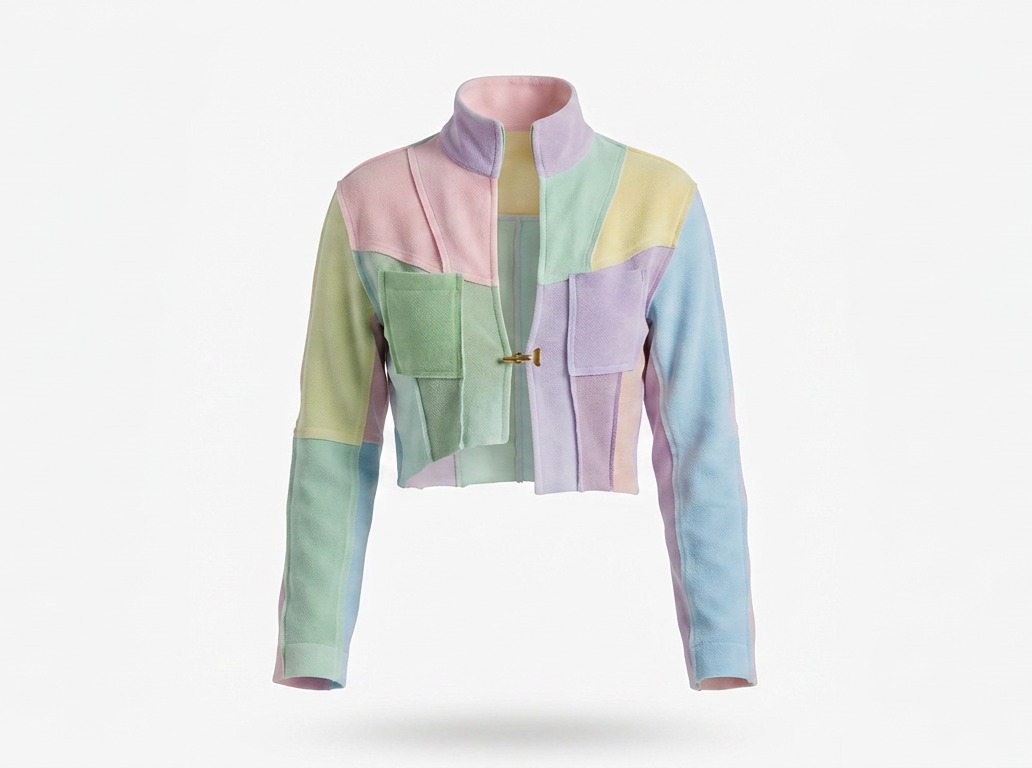
Virtual try-on
Dress a specific model in a specific garment or product image.
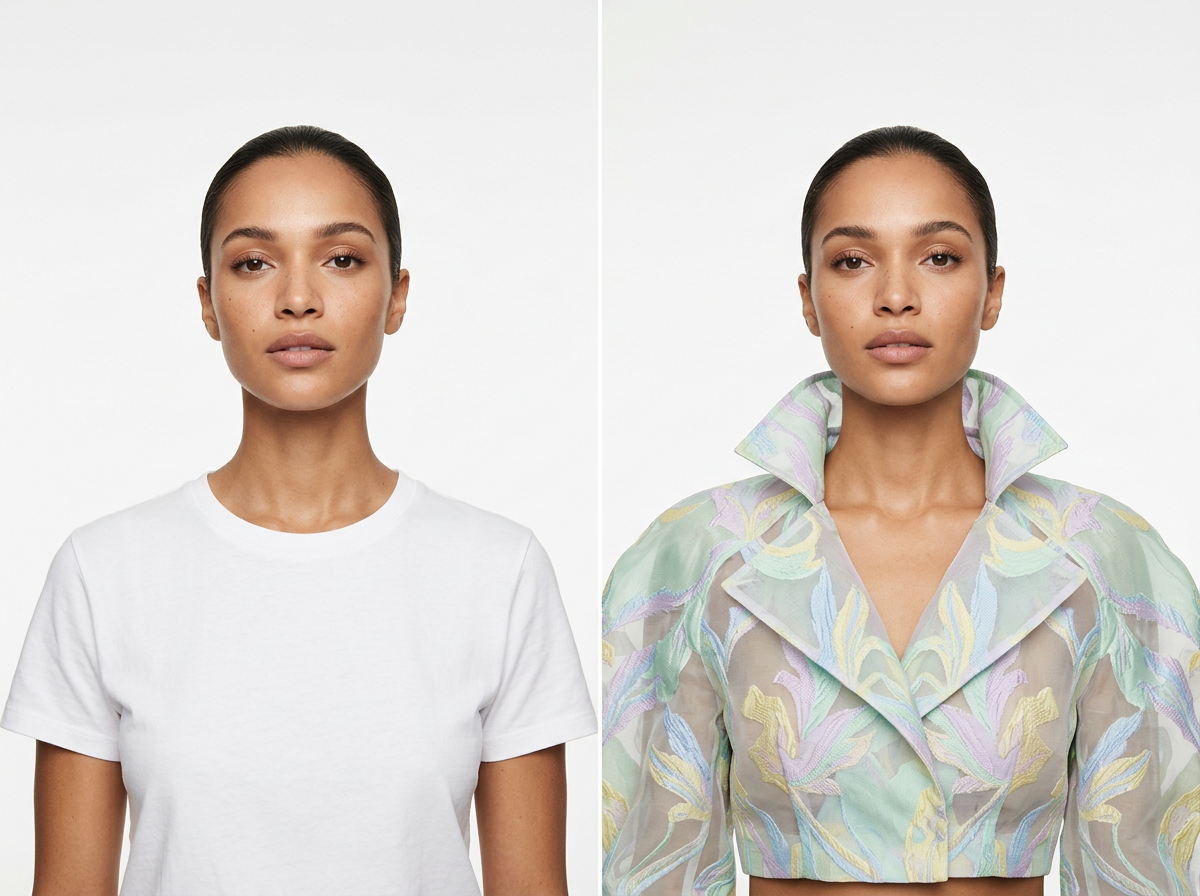
Product to model
Turn a flat product photo into a styled model wearing it.
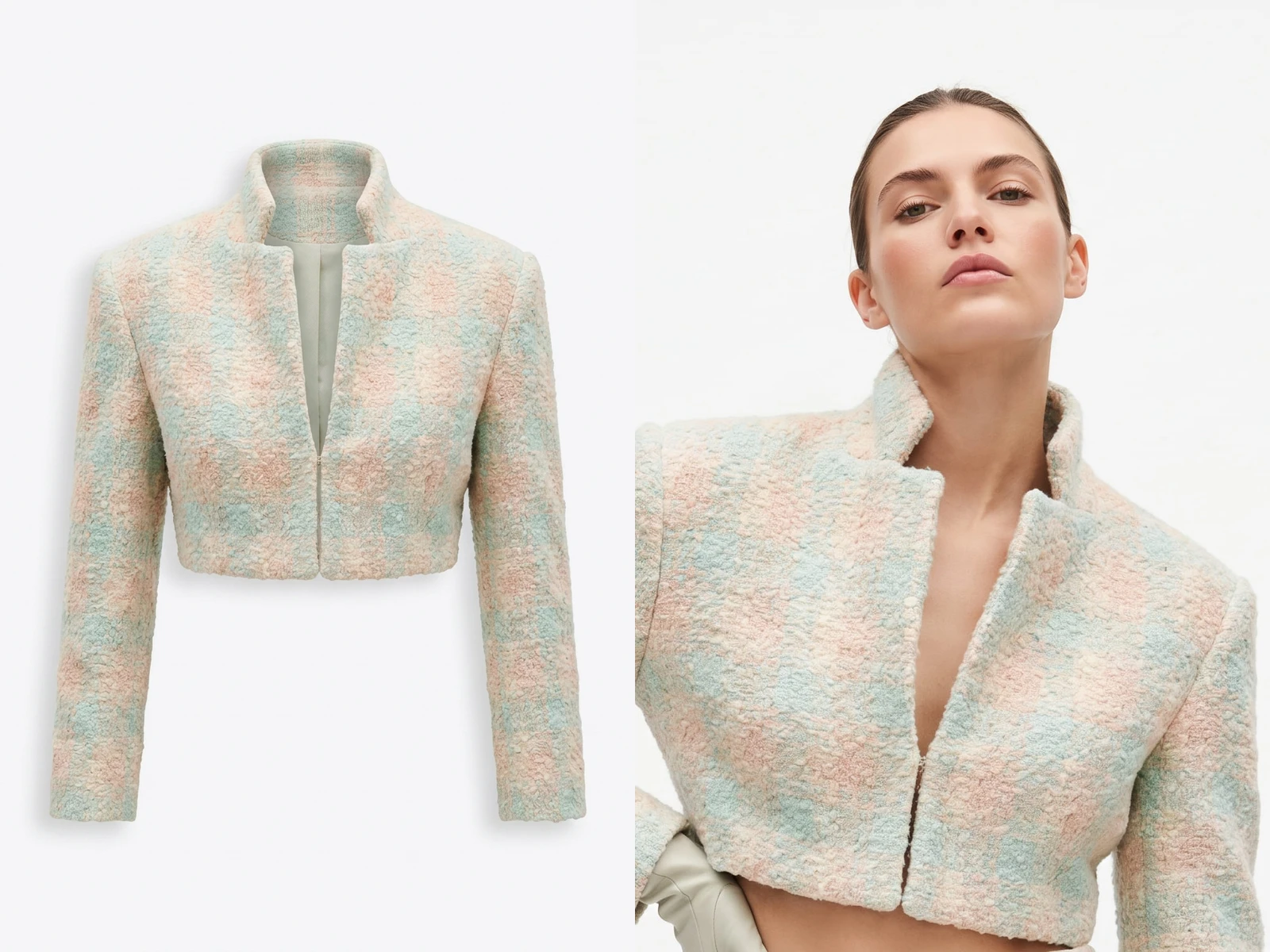
Image editing & variations
Reuse any result as a reference to create new images and variations.
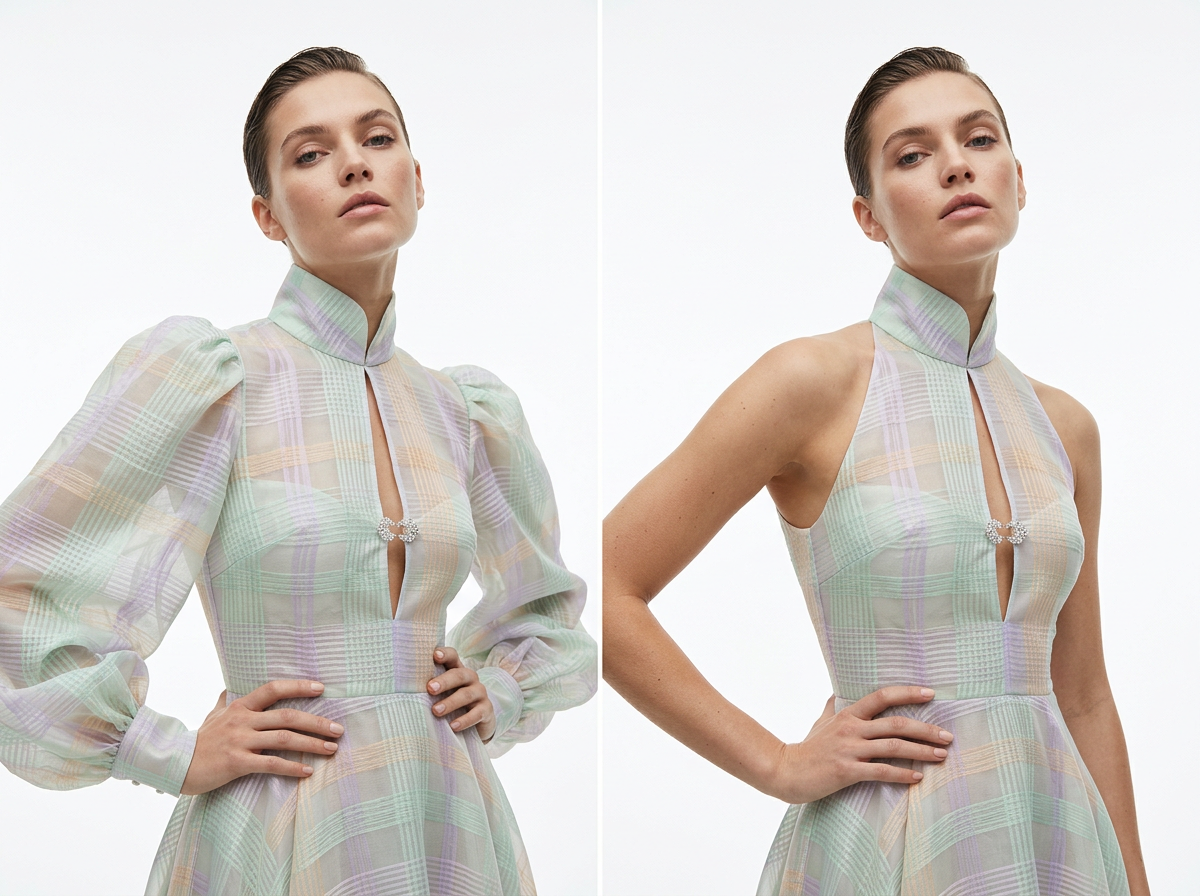
Image to video
Animate any image into a 5-second or 10-second fashion video.
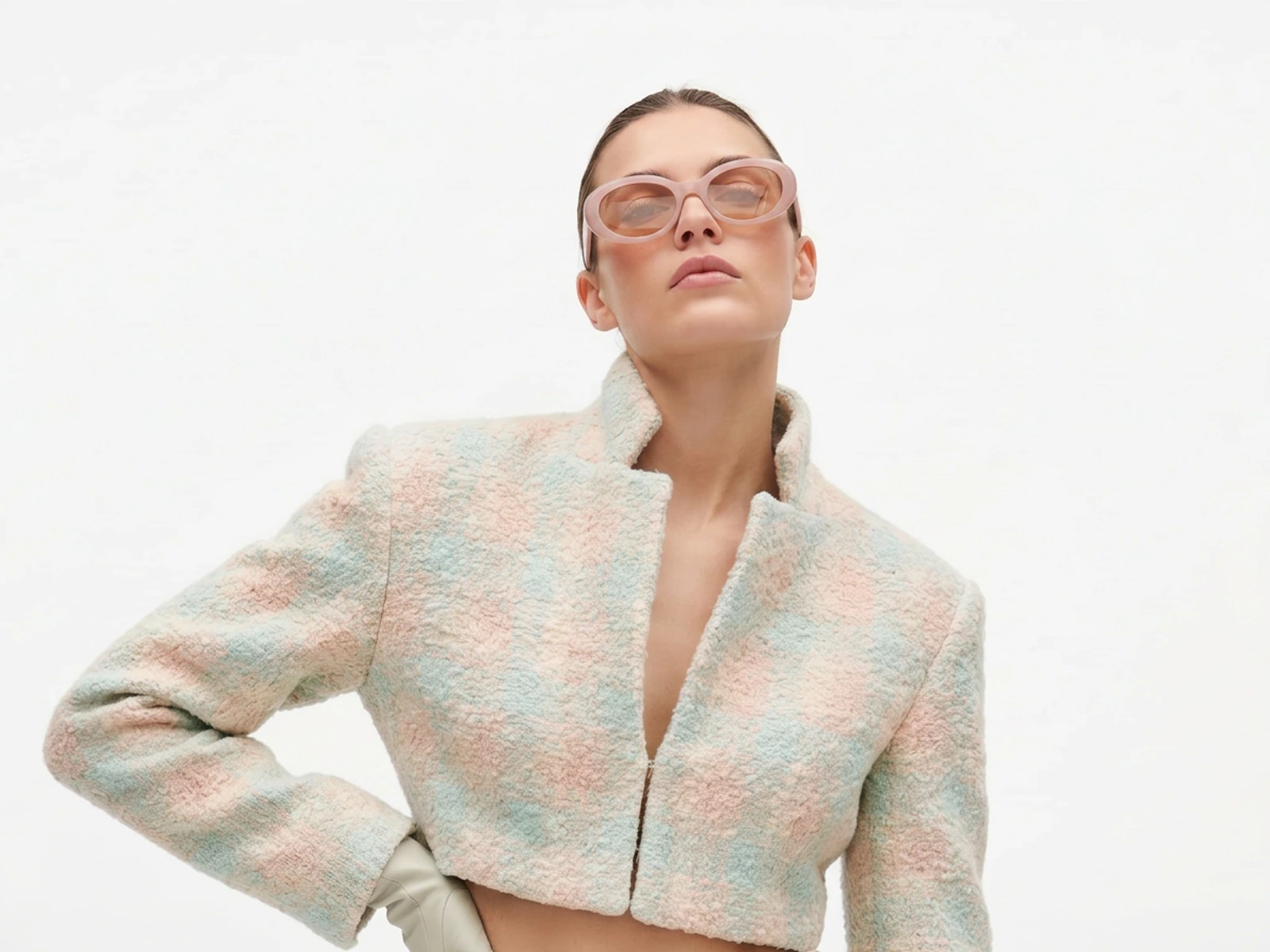
HD upscaling
Enhance any generated image to a higher-resolution HD version.
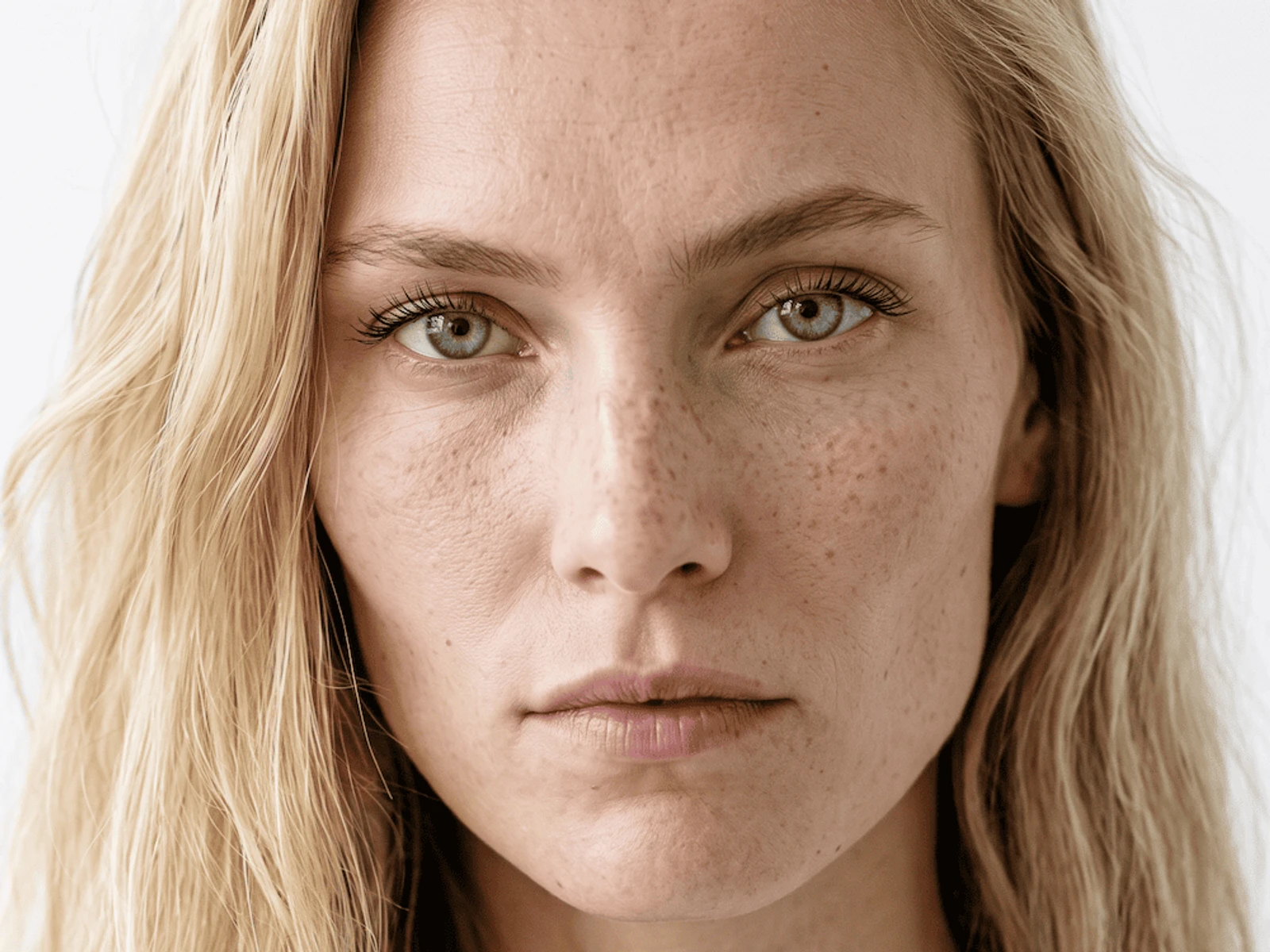
Ghost mannequin
Turn a product photo into a clean ghost-mannequin visual — the garment worn, without a model.
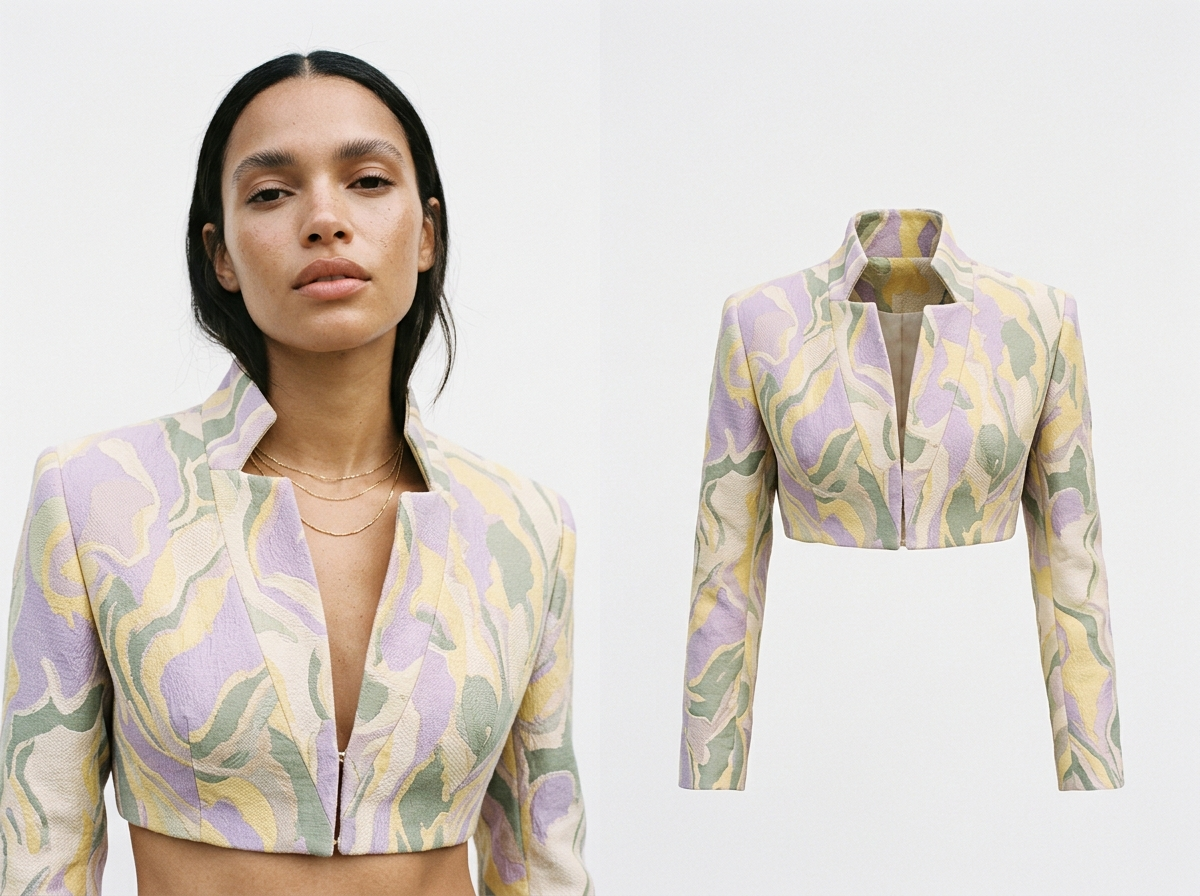
Publish to Shopify
Push any generated image straight to a product page in your Shopify store, without leaving Claude or ChatGPT.
AI fashion design, images and video — inside your Claude or ChatGPT chat
The New Black AI connector turns Claude and ChatGPT into a fashion visual studio. Using the Model Context Protocol (MCP), it lets you generate professional fashion and product imagery — and short videos — from a simple text prompt or your own reference photos, without leaving the conversation. Describe the look you want, add a product or a model, and Claude or ChatGPT runs the generation on your The New Black AI account and shows the result right in the chat.
Every result stays interactive: reuse any image as a reference for new variations, run an AI virtual try-on, turn a flat product shot into an on-model photo, animate a still into a 5- or 10-second fashion video, or upscale your favourite to HD — all from the same card. It is the fastest way to go from idea to publish-ready fashion content.
Built for fashion brands, designers and creators
E-commerce & brands
Produce on-model product shots and campaign visuals at scale, without a photoshoot.
Designers & studios
Explore garment and outfit ideas, iterate on variations, and prepare concepts fast.
Marketers & creators
Generate scroll-stopping fashion images and videos for social, ads and lookbooks.
Frequently asked questions
What is The New Black AI connector for Claude?
AI Fashion directly in Claude chat: design clothing, generate AI fashion models, create virtual try-on or 3D garments — all inside Claude.
What is The New Black AI connector for ChatGPT?
The same AI fashion MCP, inside ChatGPT: design clothing, generate AI fashion models, create virtual try-on or 3D garments — all in your ChatGPT chat, on your own The New Black AI account.
What can I create?
AI fashion models, virtual try-on, product-to-model shots, image edits and variations, image-to-video (5s or 10s) and HD upscaling.
Do I need an account?
Yes — you connect with your own The New Black AI API key, so generations run on your account and credits.
How much does it cost?
The connector is free; generations use your The New Black AI credits (for example a 5-second video needs at least 10 credits, a 10-second video at least 20).